DreamEcho Tools Hub
Practical checklists and PC requirements before you dive back into dreams.
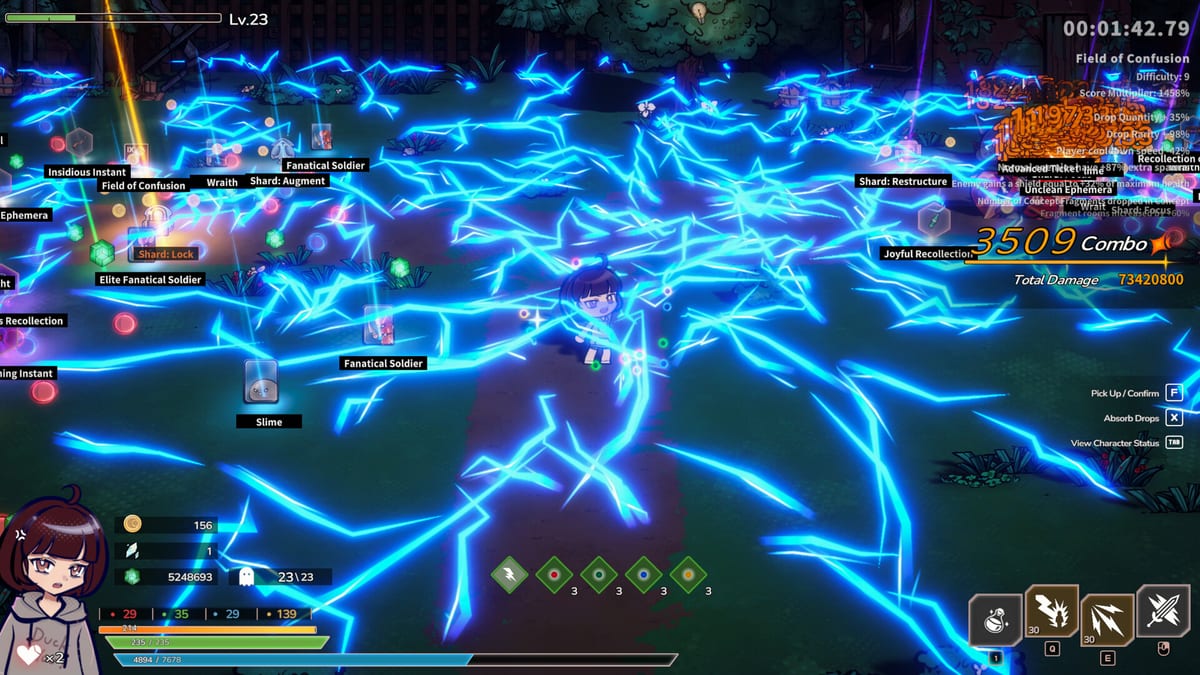
The DreamEcho Tools Hub collects practical utilities—not gimmick calculators. Use it when you are about to start a focused session, when a friend asks whether their PC can run the game, or when your Concept board has grown messy enough that you need a structured pass before sleeping into another run.
DreamEcho is a Windows Steam title from HotWaterStudio (app 3226060), released August 10, 2026, with full controller support and single-player combat only.
Tools available
- Build checklist — verify Concept roles, Memory plans, defense layers, and Wish List notes before a serious dream.
- System requirements — minimum and recommended PC specs so Windows setups match HotWaterStudio’s Steam listing.
- Steam features — Cloud, controller quirks, Abyss leaderboard scoring rewrite, Steam Deck video caveats.
These pages intentionally stay short on lore and long on actionable boxes. Pair them with deeper reading on the Guides Hub and loadout pages on the Builds Hub.
Suggested workflow
- Confirm your machine on System requirements.
- Sketch an archetype (summon, melee, or ranged) on the Builds Hub.
- Run the Build checklist line by line.
- Enter a dream with a single experiment goal, then wake and refine Memories at Home.
If the checklist fails on “defense” or “wake plan,” fix that before chasing a new damage modifier. Offline Memory accrual and Steam-friend exchange will not save a kit that dies in the first nightmare room.
Sibling links inside Tools
Keep Build checklist and System requirements bookmarked together. A strong checklist is useless if the game stutters; a beefy GPU does not invent a coherent Concept stack. When requirements are fine but runs feel soft, jump to Concepts guide or Starter builds rather than buying hardware.
Why a Tools Hub exists post-launch
Launch-week DreamEcho players juggle new systems: modular Concepts, Memories on wake, Home refinement, offline accrual, friend exchange, and Dream Wish List sharing. A dedicated tools section reduces tab chaos. Revisit after patches listed on the Updates Hub—especially if storage or DirectX notes change on Steam.
Use this hub as a pre-flight deck: requirements green, checklist green, then dream. That habit keeps HotWaterStudio’s theory-crafting fantasy fun instead of a pile of half-tested sockets.
Extra pre-session reminders
Bring water, decide your input device, and write a one-line dream brief before you touch Concepts. If the checklist fails, simplify rather than shopping for another modifier. If requirements fail, fix the PC before blaming balance. Tools exist to remove friction so the dream Home feels like play again.
When friends ask for help, send them this hub first: specs, then checklist, then a guide link. You will save everyone a confused screenshot thread about “broken” skills that were really unreadable boards.
Frequently Asked Questions
Quick answers to the most common DreamEcho questions.
What tools are included?
A Concept/build checklist and a system-requirements page aligned with the Steam Windows listing.
Is there a damage calculator?
Not yet. DreamEcho’s modular Concepts make static calculators brittle; use the checklist plus in-run testing.
Does the checklist assume controller or keyboard?
Neither—full controller support exists, but the checklist focuses on build completeness, not input device.
Where do I go after the checklist passes?
Start a dream run with one experiment goal, then refine Memories at Home and update your Wish List if you share builds.